Black Friday is not the time to discover that your coupon logic is wrong, your checkout breaks on mobile, or your payment gateway fails under load.
WooCommerce stores usually do not need an elaborate "Black Friday stack."
They need the parts already responsible for taking orders to behave predictably when traffic and order volume increase.
That means preparation should focus on the boring but important things:
- checkout,
- discounts,
- payments,
- stock,
- shipping,
- speed,
- backups,
- email,
- monitoring,
- rollback.
The objective is simple:
Make the store easier to buy from and harder to break during the busiest sales period of the year.
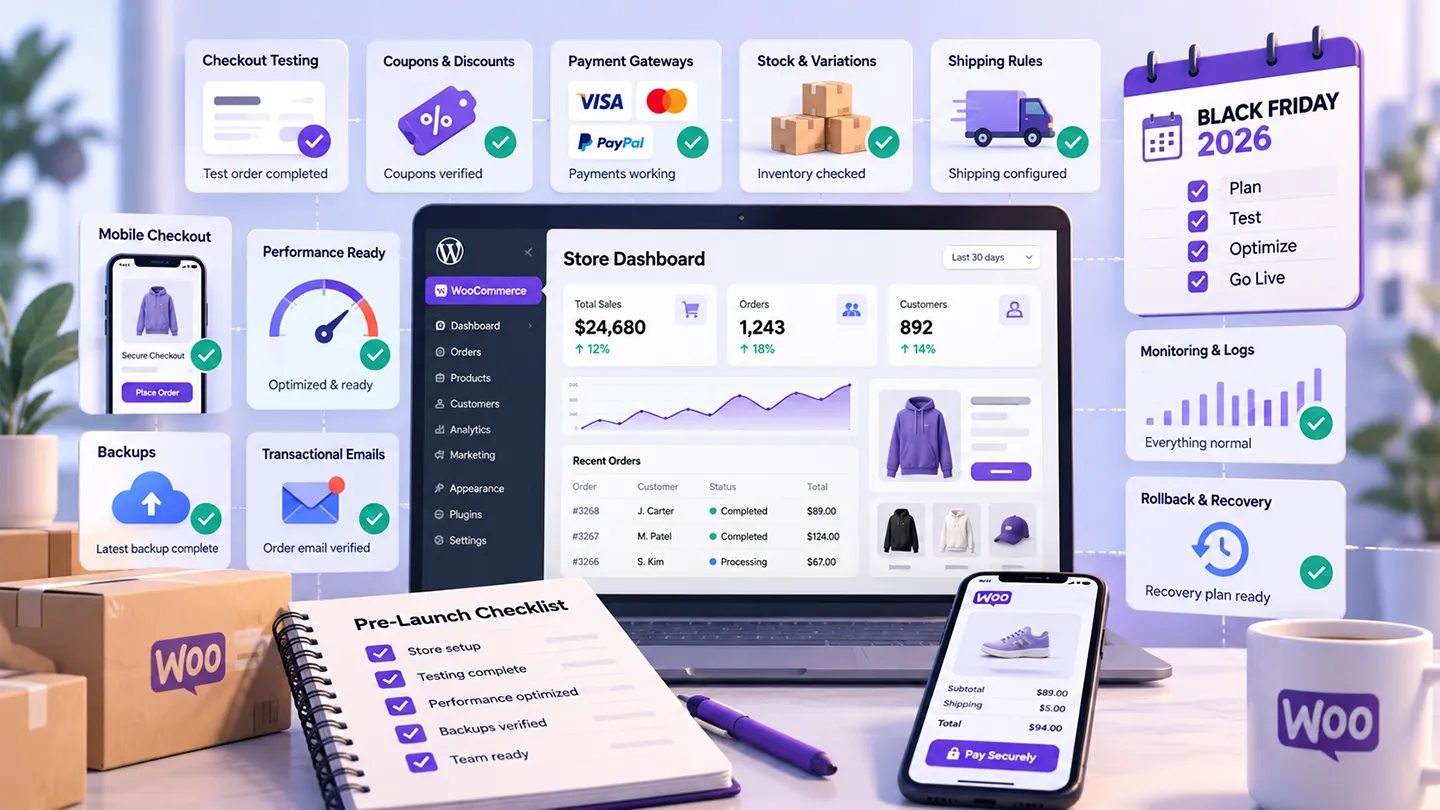
This is the checklist we would work through before a WooCommerce Black Friday campaign in 2026.
Last researched: 14 October 2026.
1. Test the Entire Checkout Flow
Do not test only whether the checkout page loads.
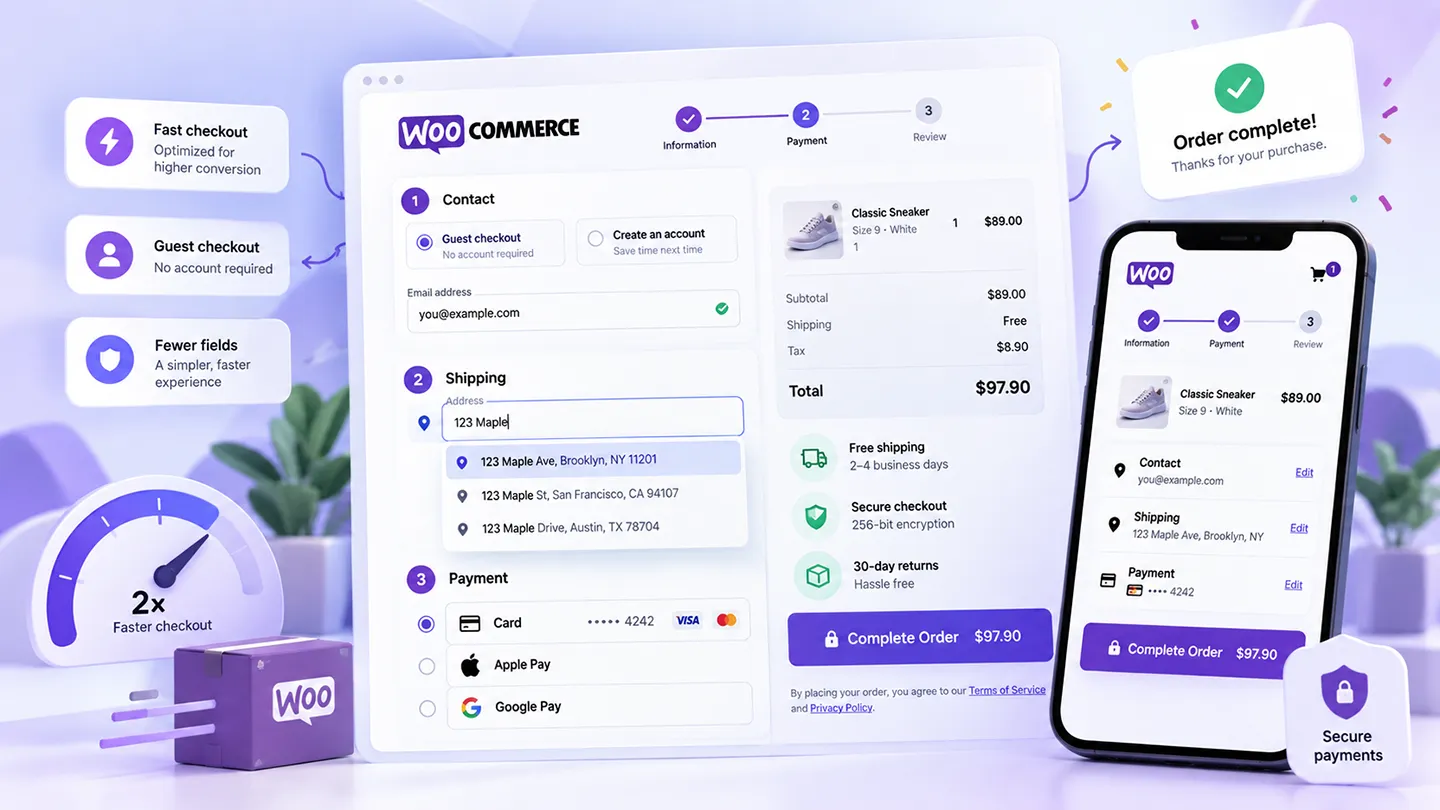
Place real or test orders through the complete flow:
- guest checkout,
- logged-in checkout,
- coupon applied,
- free shipping threshold reached,
- paid shipping method,
- mobile checkout,
- card payment,
- wallet payment,
- PayPal or another secondary gateway,
- subscription signup if relevant,
- failed payment and retry.
If the store uses Checkout Blocks, verify that every payment and shipping extension you rely on behaves correctly there.
If it still uses Classic Checkout, make sure old snippets and customizations have not started failing after recent plugin updates.
Our WooCommerce Checkout Optimization in 2026 guide covers the customer-experience side in more detail.
2. Verify Every Discount Before the Campaign Goes Live
Black Friday discount problems are often not technical failures.
They are configuration failures.
Test:
- percentage discounts,
- fixed-cart discounts,
- fixed-product discounts,
- sale prices,
- automatic discounts,
- coupon exclusions,
- minimum spend,
- maximum spend,
- free-shipping coupons,
- category restrictions,
- product exclusions,
- subscription discounts.
Also test combinations.
Can a Black Friday coupon stack with an existing loyalty discount?
Can a customer apply two coupons when only one should be allowed?
Does a sale product also receive an automatic discount?
A campaign that accidentally gives 40% off instead of 20% can be more expensive than a short outage.
3. Check Stock and Variations
If you sell variable products, inspect stock at variation level.
A product may look available in the catalog while the variation a customer actually wants is already out of stock.
Before Black Friday:
- sync inventory,
- review low-stock thresholds,
- verify backorder settings,
- check variation stock,
- remove discontinued products,
- confirm bundles and kits decrement stock correctly,
- test any ERP or warehouse sync.
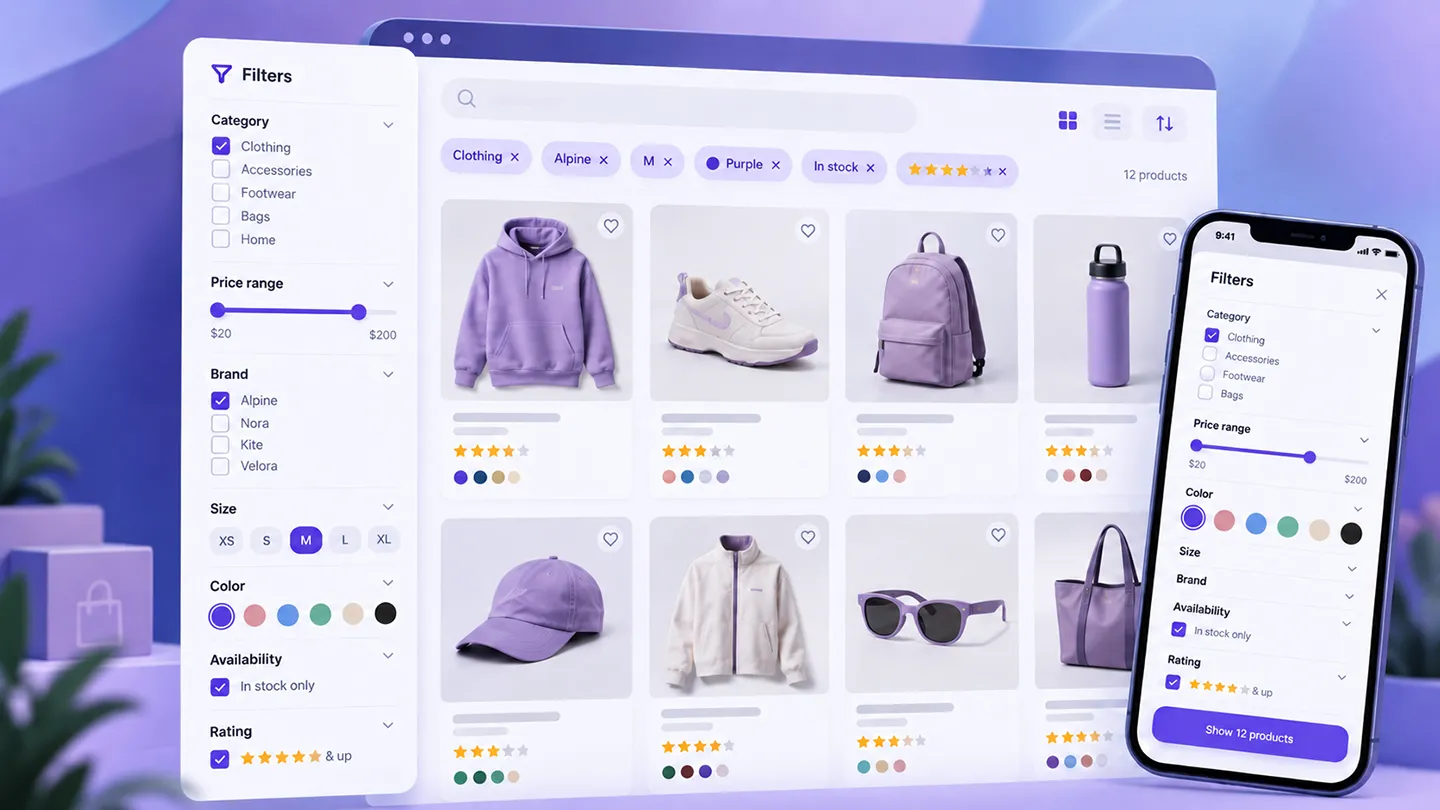
If product filters are important to the store, confirm that out-of-stock variations do not appear as valid matches when they should not.
We covered this problem in more detail in Best WooCommerce Product Filter Plugins in 2026.
4. Confirm Shipping Rules and Thresholds
Shipping can become one of the most visible Black Friday problems because discounts change cart totals.
Suppose the store offers:
Free shipping over $100.
A customer adds $120 of products, applies a 25% discount, and the cart drops to $90.
Should free shipping still apply?
There is no universal answer.
But the store should have one intentional answer.
Test:
- free-shipping thresholds,
- discounted carts,
- shipping classes,
- oversized-item surcharges,
- local pickup,
- postcode rules,
- table rates,
- carrier APIs,
- international zones.
Make sure promotional banners and actual checkout logic agree.
5. Test Payment Gateways Before Traffic Arrives
A checkout can look perfect while the payment layer is failing.
For the primary gateway, test:
- successful payment,
- failed card,
- retry,
- refund,
- saved payment method,
- Apple Pay / Google Pay,
- webhook delivery,
- subscription renewal if applicable.
If you use multiple payment methods, test each one separately.
Our Best WooCommerce Payment Plugins in 2026 article covers the main gateway options, but for Black Friday the priority is not adding more gateways.
It is making sure the ones already enabled are reliable.
6. Check Mobile Checkout on a Real Phone
A large share of promotional traffic will arrive on mobile.
Do not rely only on responsive preview inside a desktop browser.
Use an actual phone and test:
- add to cart,
- coupon entry,
- cart editing,
- address autocomplete,
- shipping selection,
- wallet buttons,
- payment errors,
- order confirmation.
Watch for:
- buttons hidden behind browser UI,
- fields that trigger the wrong keyboard,
- layout shifts,
- horizontal overflow,
- slow AJAX updates,
- validation messages that appear off-screen.
If the checkout is frustrating on mobile, a faster homepage will not save the campaign.
7. Review Site Speed Under Realistic Conditions
Black Friday preparation is not the moment for random optimization plugins.
Start with the actual bottlenecks.
Look at:
- uncached product pages,
- cart and checkout,
- search,
- product filters,
- large category pages,
- shipping calculations,
- payment initialization,
- database-heavy queries,
- external API calls.
If the store normally handles 20 simultaneous visitors, test what happens when it handles significantly more.
Pay particular attention to uncached requests.
Product pages may be easy to cache.
Cart and checkout are not.
8. Make Sure Backups Are Current and Restorable
Before changing promotions, code, payment settings, shipping rules, or caching configuration, make a fresh backup.
But do not stop at:
"The backup plugin says success."
Verify:
- the backup completed,
- database and files are included,
- off-site storage received it,
- you know how to restore it,
- recent order data is protected appropriately.
For a normal brochure site, losing a few hours of content may be annoying.
For a busy WooCommerce store, losing a few hours of orders can be a serious operational problem.
Our Best WordPress Backup Plugins in 2026 guide covers scheduled and real-time backup options.
9. Avoid Major Updates Right Before the Sale
Black Friday week is a poor time to perform unnecessary infrastructure work.
We would avoid last-minute:
- WooCommerce major updates,
- theme changes,
- PHP upgrades,
- checkout replacements,
- payment-gateway migrations,
- large plugin changes,
- database migrations.
Security fixes are different.
But optional architectural work can usually wait.
If a major change is necessary, do it on staging first and leave enough time for real testing.
A stable store with slightly older code is usually better than a freshly updated store with an undiscovered checkout regression.
10. Check Transactional Email
A customer who completes payment but never receives an order email may assume the purchase failed.
Before the campaign, test:
- new-order emails,
- customer processing/completed emails,
- password/account emails,
- subscription emails,
- failed payment notifications.
Check that the store uses reliable email delivery rather than depending entirely on basic server mail.
Also confirm that operational recipients are correct.
A Black Friday sale is a bad time to discover that order alerts still go to a former employee.
11. Know What You Will Monitor During the Sale
Decide this before traffic arrives.
Useful things to watch include:
- successful orders,
- failed payments,
- checkout conversion,
- server load,
- PHP errors,
- WooCommerce logs,
- payment gateway errors,
- stock levels,
- shipping API failures,
- unusual coupon usage.
The objective is not to stare at dashboards all day.
It is to notice quickly when something that affects revenue stops behaving normally.
12. Have a Rollback Plan
Every important Black Friday change should have an answer to:
What do we do if this breaks?
That might mean:
- disable the promotion,
- revert a deployment,
- restore previous plugin settings,
- switch off an incompatible payment method,
- remove a failing shipping integration,
- restore from backup,
- temporarily simplify checkout.
The best rollback plan is usually the one you already tested before needing it.
48 Hours Before Black Friday
Two days before the campaign, we would run one final pass.
- Place a complete test order
- Test every active coupon
- Verify prices and sale dates
- Confirm stock and important variations
- Test shipping thresholds
- Test primary and secondary payment methods
- Test checkout on mobile
- Check transactional email
- Confirm backups
- Review server resources
- Check WooCommerce logs
- Verify analytics/tracking
- Confirm the rollback procedure
- Freeze unnecessary updates
After that, stop changing things unless there is a clear reason.
A store that has been tested and left alone is usually safer than one being "improved" right up until the campaign starts.
Final Take
Black Friday preparation for WooCommerce is mostly risk reduction.
The most important work is not adding new promotional features.
It is making sure the existing store can:
- display the correct price,
- keep stock accurate,
- calculate shipping correctly,
- accept payment,
- send confirmation,
- survive increased traffic,
- recover quickly if something fails.
Test the actual customer journey.
Keep the plugin stack stable.
Make a current backup.
Know what you will monitor.
And leave enough time between the last meaningful change and the first major traffic spike.
That preparation is not particularly glamorous.
It is also much more valuable than discovering a checkout problem after the campaign email has already been sent.